
What can a buyer do with your repo?
| Where the private repo lives | Permission you can give a buyer | What the buyer can do | Note from GitHub |
|---|---|---|---|
| Your personal account | Write only | Read and push changes | “Collaborators can’t have read-only access to repositories owned by a personal account.” |
| A GitHub organization (free plan) | pull (read), or higher | Clone and pull updates | permission is “only valid on organization-owned repositories” |
| A GitHub organization (paid plan) | pull (read), or higher | Same as above | “Unless you are on a free plan, adding an outside collaborator to a private repository will use one of your paid licenses.” |
| A zip download, no repo access | None | Download one version | Updates go out by email, by you |
Quotes from GitHub’s own docs, opened 12 November 2026: collaborators REST API, personal repo permissions, outside collaborators.
Honestly: for one script with no updates, a zip download is simpler (CodeCanyon alternative guide).
How do I sell a SaaS boilerplate with GitHub access, step by step?
- Move the repo into a GitHub organization. A free organization is enough. This is the only way to give read-only access.
- Create a GitHub token for your server. Use an account that administers the repo: GitHub says removing a collaborator needs “an administrator of the repository”.
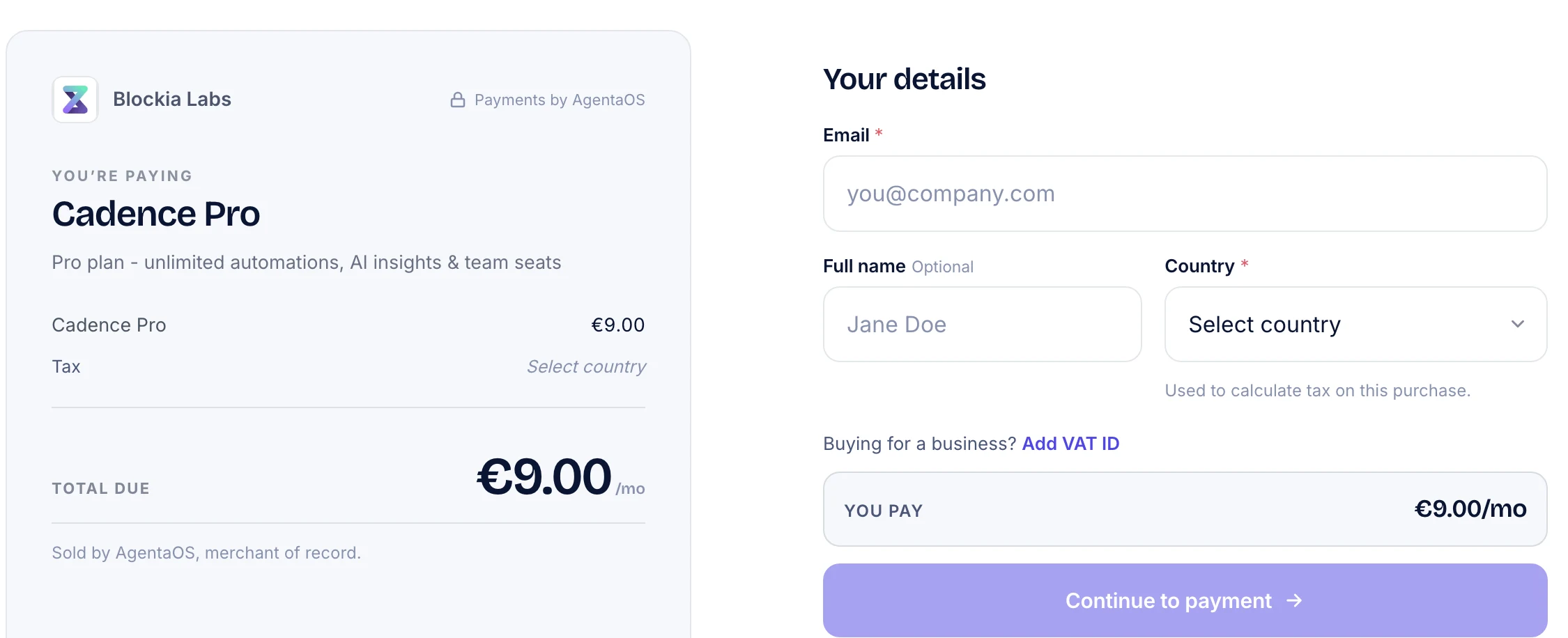
- Create the product in AgentaOS. Name, price in EUR or USD, type One-time. Under After payment, set a Success URL to a page that says “Check your GitHub notifications” (products docs).
- Ask for the GitHub username before checkout. Put a small form on your buy page. Your server then creates the checkout with the username in
metadata, and AgentaOS returns thatmetadatain the payment webhook (checkouts docs). Custom checkout fields (checkoutFields) also exist, but the docs do not say the webhook returns their answers.
const checkout = await agentaos.checkouts.create({
  linkId: 'your-product-id',
  buyerEmail: email,
  metadata: { githubUsername: username },
});- Invite the buyer when the webhook arrives. Verify the
X-AgentaOS-Signatureheader and act oncheckout.session.completedonly (webhooks docs). Then callPUT /repos/{owner}/{repo}/collaborators/{username}with{"permission": "pull"}. If the buyer chose bank transfer, you first getcheckout.session.bank_transfer_pending: wait for the completed event. Key each invite onsession_id, because the same event can arrive twice (events docs). - Tell the buyer to accept the invite. GitHub says the invitee “must accept or decline” it, by email or on their notifications page. Also note GitHub’s limit: “50 invitations to a repository per 24 hour period”. Updates then reach buyers with a normal
git pull. - Remove access on a refund or a lost dispute. Call
DELETE /repos/{owner}/{repo}/collaborators/{username}. AgentaOS sends no webhook for a refund or a lost dispute: you ask for the refund on the sale page, and when it is approved the sale’smor_statusbecomesrefunded(orcharged_backafter a lost dispute). A new dispute does senddispute.created(refunds docs).
Is my repo ready to sell? A checklist
- ✓The repo is owned by a GitHub organization, not your personal account
- ✓The server token belongs to an admin of the repo and lives in a secret store
- ✓The buy page asks for the GitHub username before checkout
- ✓The webhook handler verifies the signature and invites only on
checkout.session.completed - ✓Each invite is keyed on
session_id, so a repeated event does nothing - ✓The Success URL page tells the buyer to accept the GitHub invite
- ✓You have a way to remove access after a refund or a lost dispute
What does a sale cost with AgentaOS?
The published rate is 4.5% + €0.50 per sale, with no monthly fee (pricing). Cards issued outside the EEA, such as US cards, add 1.5% (pricing docs). The fee is calculated on the full amount the buyer pays, tax included (Terms, section 6). A €200 kit with no VAT added leaves you €190.50 from an EEA card, or €187.50 from a US card. New accounts set aside 15% of each sale for 120 days (Terms, section 9).
When is this the wrong choice?
- Your software checks a license key.AgentaOS does not issue license keys. Use a tool that does.
- Buyers have no GitHub account,or their company does not let them join outside repos. Offer a zip download as well.
- You sell installation or custom changes per client.Our acceptable use policy rules out “bespoke website, app, or software development”.
- You will keep the repo on your personal account.Every buyer would get write access.
Where does AgentaOS fit?
Code is on our allowed list: the acceptable use policy lets you sell “software, SaaS, libraries, AI agents, code, and API access”. AgentaOS is the merchant of record, the official seller of each sale: it charges the buyer’s VAT or sales tax, issues the invoice in its own name and handles refunds and disputes. You can sign up as an individual or a company, and AgentaOS pays you to your own bank in EUR or USD, also where Stripe does not serve sellers, such as N. Macedonia and Serbia (stripe.com/global, checked 12 November 2026). Selling a yearly updates plan instead: sell subscriptions without Stripe.
Related questions
Can I give a buyer read-only access to a private repo on my personal account?
No. GitHub says collaborators “can’t have read-only access to repositories owned by a personal account”. Move the repo into a GitHub organization, even a free one, and invite buyers with the pull permission.
Does a buyer keep the code after I remove them?
Yes, what they already cloned. GitHub says the person “will still retain any local clones of your repository”. Removing them deletes their fork of the private repo and stops new pulls, so they lose future updates.
Does AgentaOS issue license keys for my starter kit?
No. AgentaOS sends a signed webhook for each paid order, and your server invites the buyer on GitHub. If your software must check a license key at runtime, use a separate tool for the keys.
Can I sell yearly updates instead of lifetime access?
Yes. Create a yearly subscription product. Invite on checkout.session.completed and remove the buyer on subscription.canceled, which AgentaOS sends when the subscription ends. Our guide to selling subscriptions covers the setup.
Is selling source code allowed on AgentaOS?
Yes. The acceptable use policy allows “software, SaaS, libraries, AI agents, code, and API access” and “templates, tools, plugins”. Per-client work is not allowed, including “bespoke website, app, or software development”.
Related
Sources: GitHub collaborators REST API · GitHub personal repo permissions · GitHub outside collaborators · AgentaOS webhooks · AgentaOS events · AgentaOS checkouts · AgentaOS refunds · AgentaOS acceptable use · AgentaOS pricing · AgentaOS Terms
General information, not financial, tax or legal advice. Ask a local accountant about your own registration.